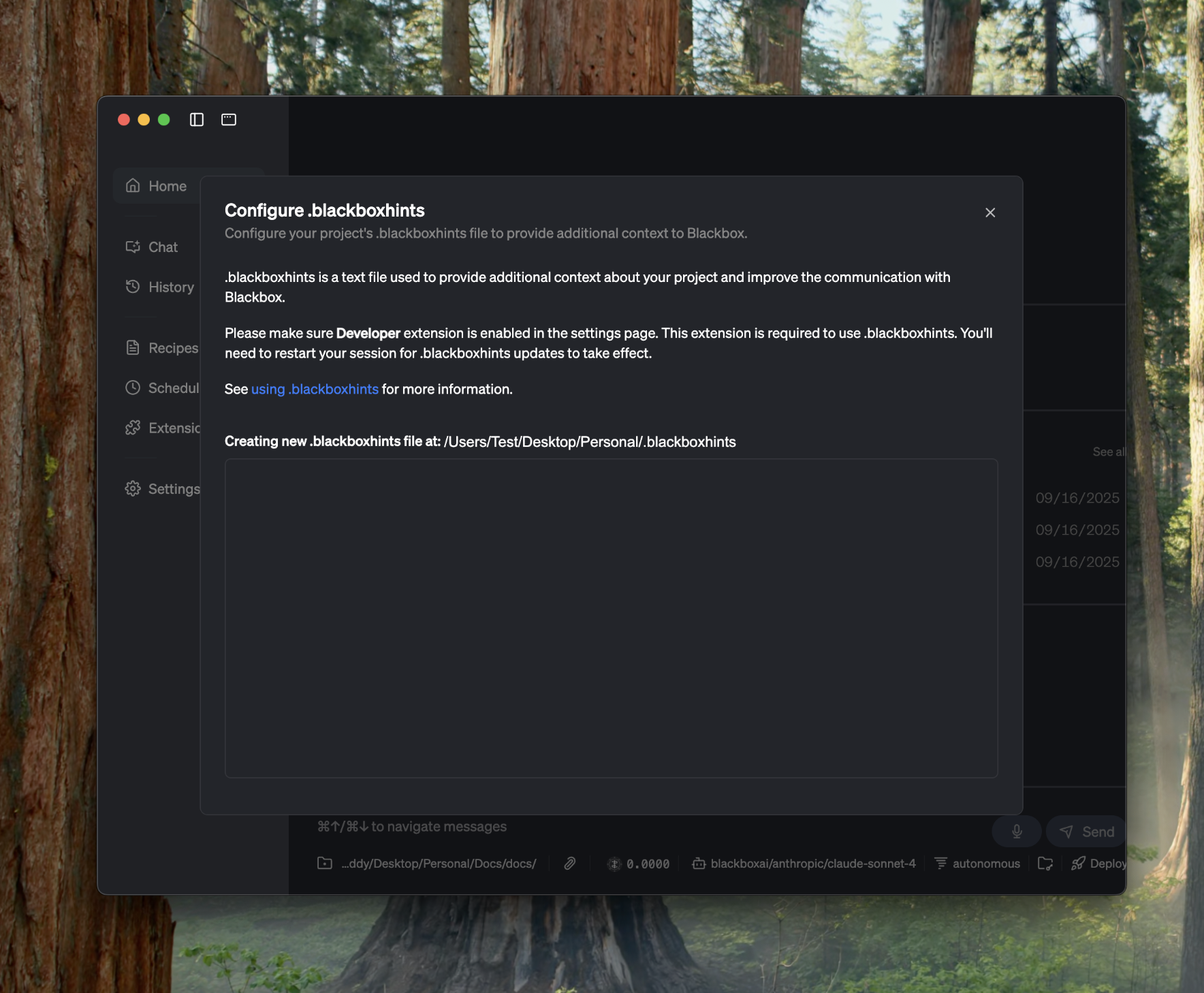
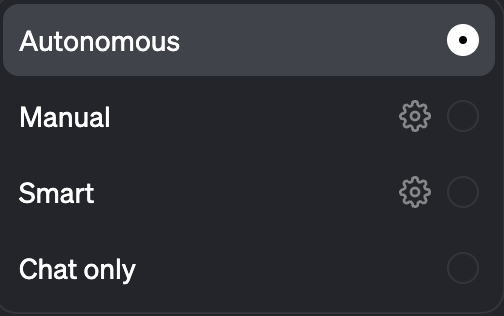
Creating something or doing something with the desktop agent is very straightforward. Simply attach the files or directories you want to use, ask your questions, and watch your favorite agent answer your questions, do your tasks, build the project, test the project, tackle a bug, test your code, and more.Documentation Index
Fetch the complete documentation index at: https://docs.blackbox.ai/llms.txt
Use this file to discover all available pages before exploring further.
Getting Started is Simple
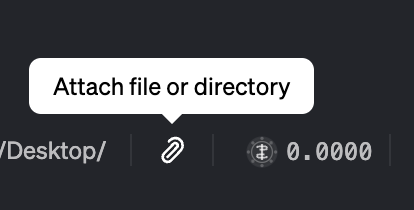
The beauty of the BLACKBOX AI Desktop Agent lies in its simplicity. You don’t need complex configurations or lengthy setup processes. Just:- Attach your files or directories
- Ask your questions
- Let the agent work its magic
What Can You Create?
The desktop agent can help you with virtually any development task: Build Projects:- Generate complete applications from scratch
- Create components and modules
- Set up project architectures
- Configure build systems
- Identify and fix bugs in your code
- Write comprehensive test suites
- Perform code reviews
- Optimize performance
- Add new features to existing projects
- Integrate third-party libraries
- Create custom extensions
- Implement best practices

Intelligent Context:
The agent understands your project structure and maintains context across conversations, making it easy to work on complex, multi-file projects.One-Click Deployment
When your project is ready, deploy it with a single click. The agent can help set up deployment pipelines and handle the entire process.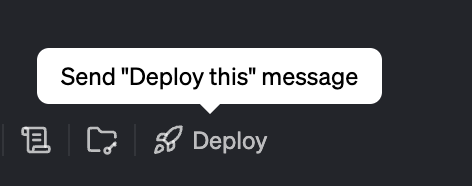
Continuous Conversation
Resume Where You Left Off: Your chat history is preserved, so you can continue working on projects across multiple sessions.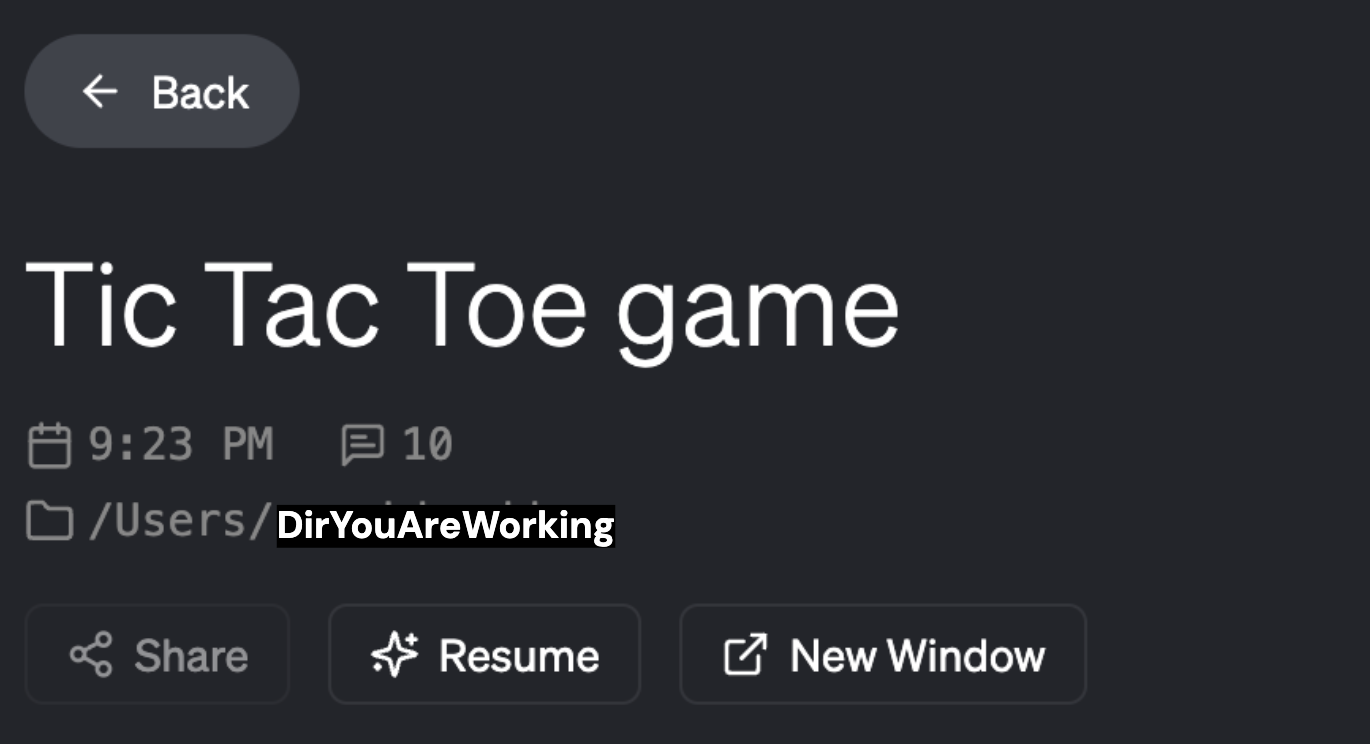

Powerful Extensions
Use Existing Extensions: Leverage a rich ecosystem of pre-built extensions to enhance your development workflow.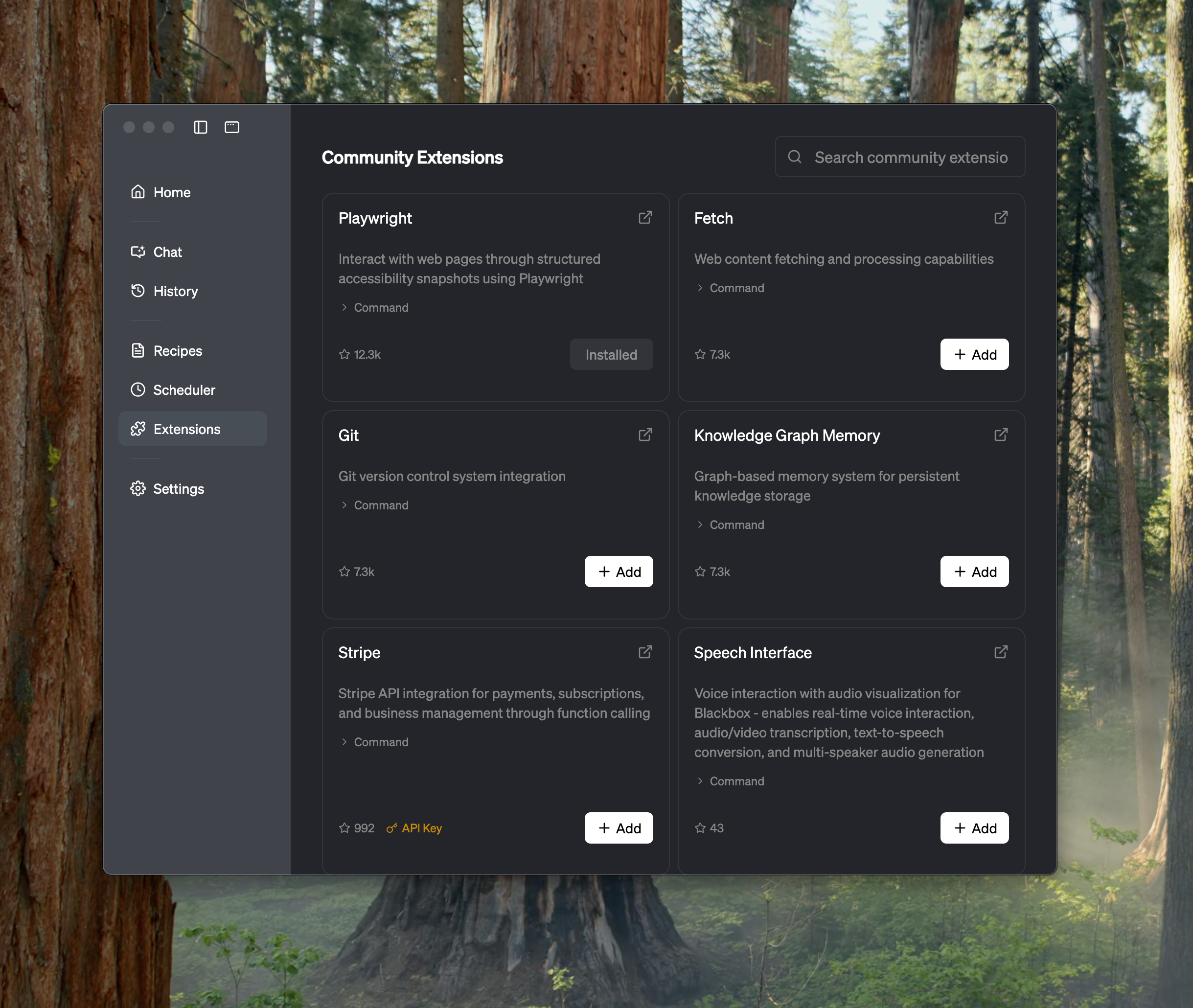
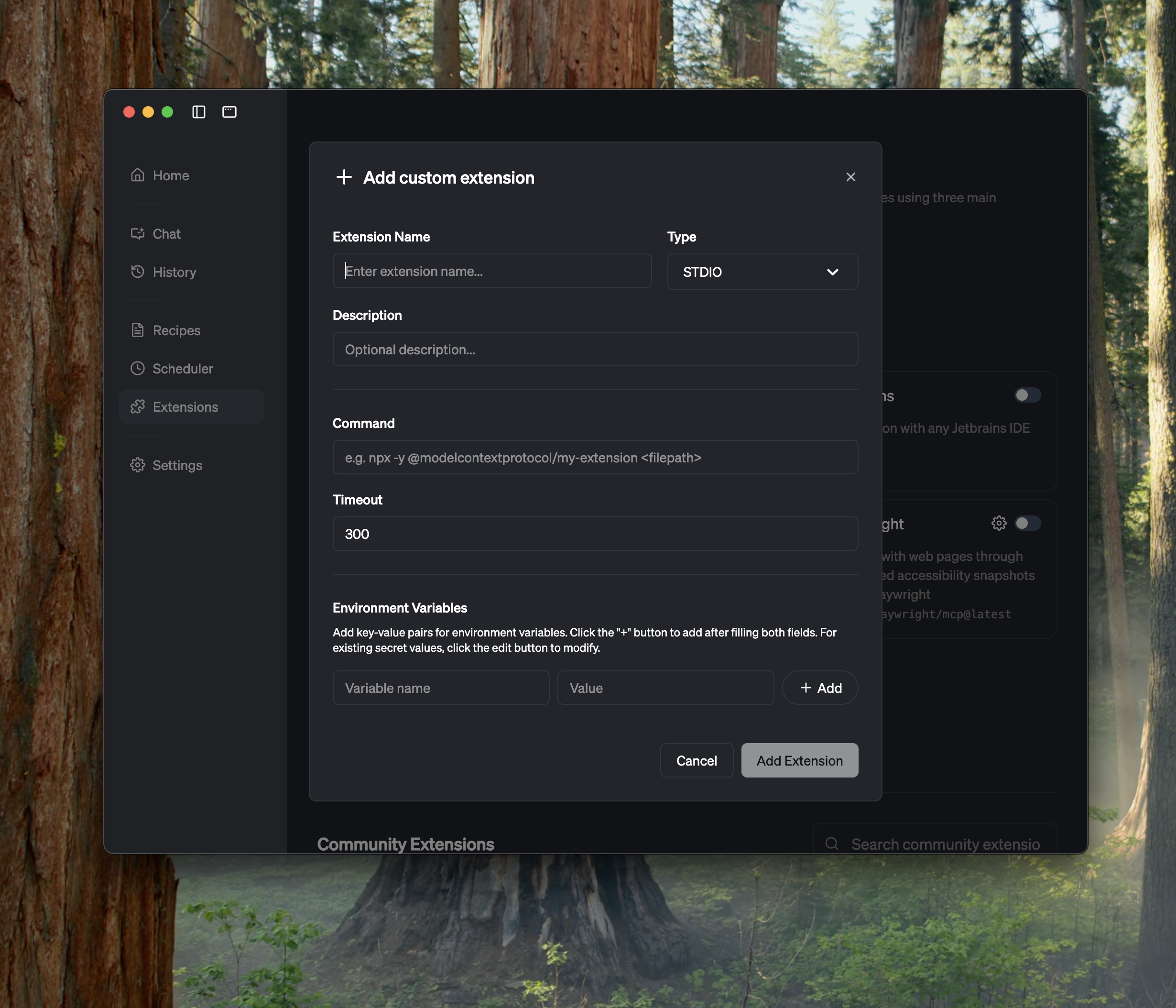
Control & Customization
Fine-Tune Your Experience: Customize prompts, configure settings, and control how the agent interacts with your projects.