Key Features
Discover what you can accomplish with the BLACKBOX AI VS Code extension.
What You Can Do
The BLACKBOX AI VS Code extension empowers you to accomplish a wide range of development tasks with AI assistance:
Create New Projects
- Project Generation: Describe your project and let AI create the initial structure
- Framework Setup: Get help setting up React, Node.js, Python, or any other framework
- Boilerplate Code: Generate starter templates for common project types
- Configuration Files: Auto-generate package.json, requirements.txt, and other config files
Improve Existing Projects
- Code Review: Get AI feedback on your existing code
- Bug Fixes: Identify and resolve issues in your codebase
- Feature Addition: Add new functionality with AI assistance
- Code Optimization: Improve performance and code quality
- Documentation: Generate comments and documentation for your code
Real-Time Development
- Code Completion: Smart suggestions as you type
- Error Resolution: Instant help with compilation and runtime errors
- Refactoring: Improve code structure and organization
- Testing: Generate unit tests and test cases
- Debugging: Get help understanding and fixing complex issues
Multiple AI Models
Choose from different AI models based on your preference and project requirements. Switch between various AI models to find the one that best suits your coding style and the complexity of your tasks. Each model brings unique strengths to help you tackle different development challenges.
Rich Context Integration
Enhance your AI conversations by adding comprehensive context from multiple sources. Import context from web URLs, Git commits, files, folders, and entire projects to provide the AI with the complete picture of your development environment.
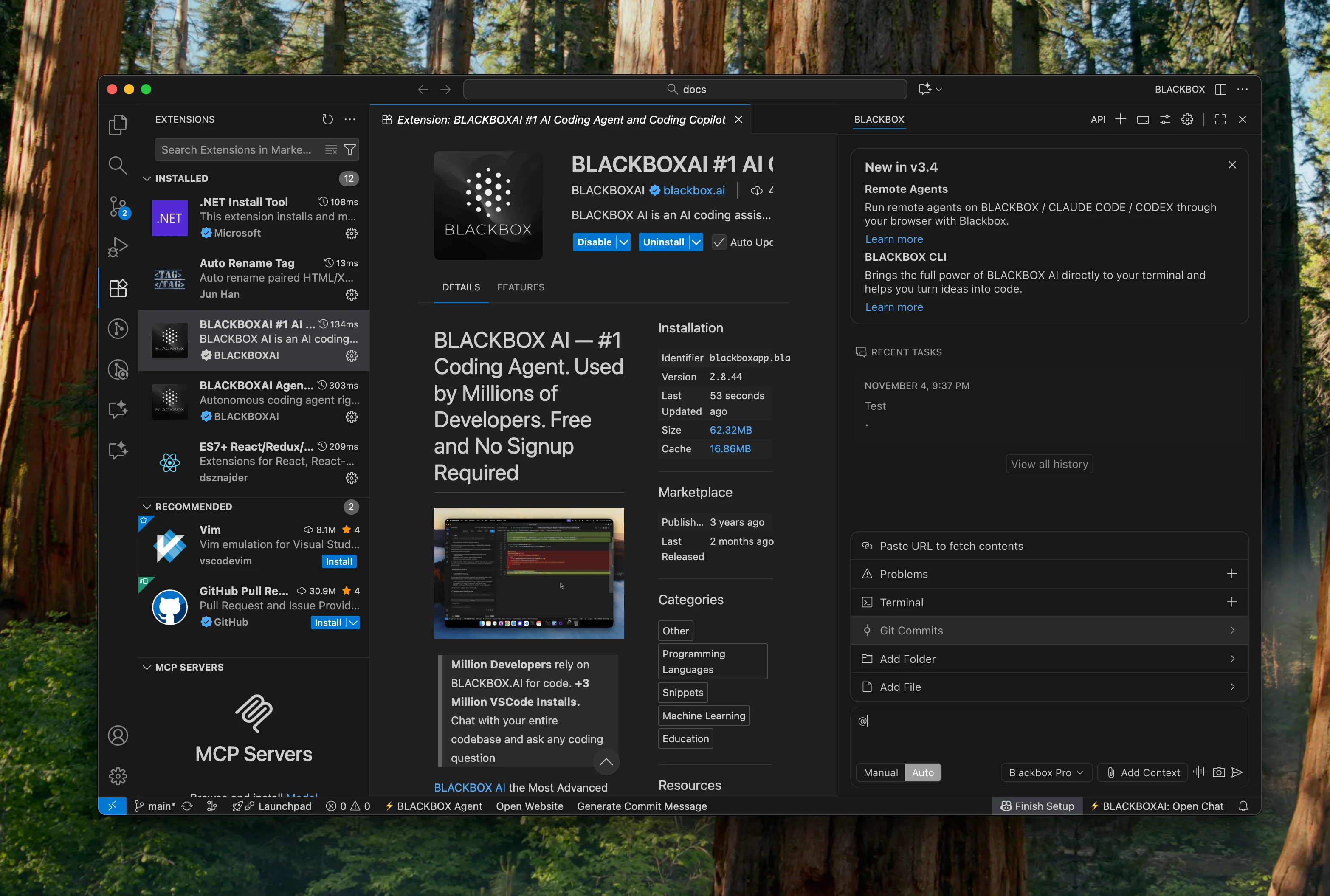
Git Commit Context
Reference specific Git commits directly in your conversations to provide relevant historical context. This feature allows the AI to understand changes made in previous commits and helps maintain consistency across your development workflow.
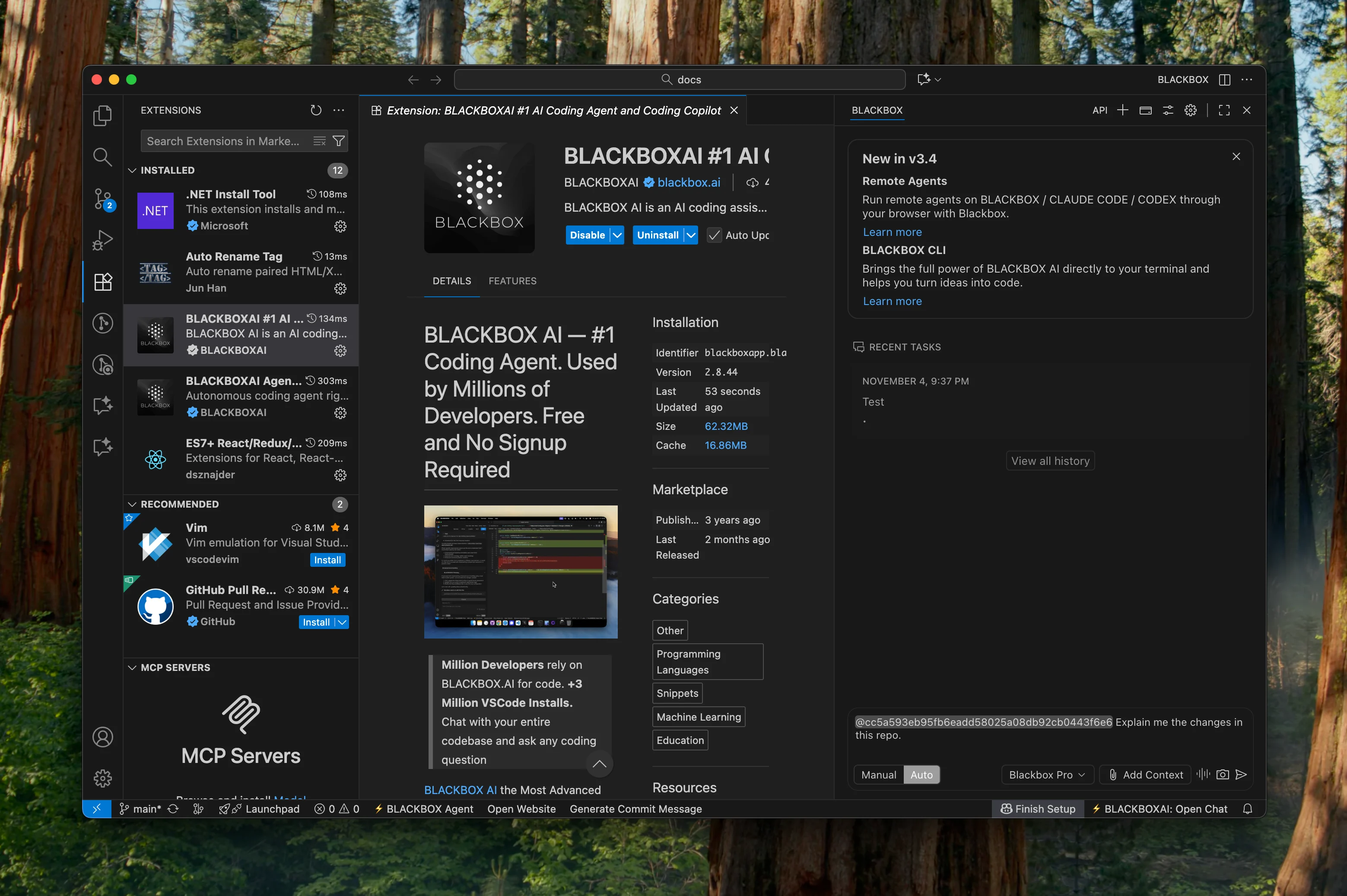
Web URL Integration
Include web resources and documentation directly in your development workflow. Pull context from online resources, documentation, or any web-based content to enhance the AI's understanding of your project requirements.
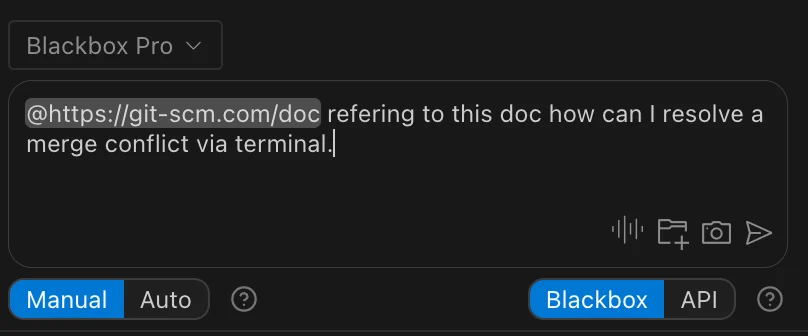
Conversation History
Access a rich history of all your previous conversations with the AI. Continue where you left off, revisit previous solutions, or reference past discussions to maintain continuity in your development process.
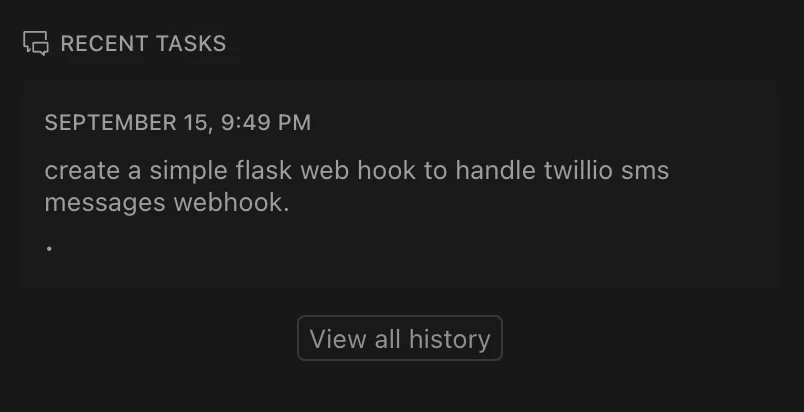
Voice Interaction Mode
When your hands are busy and you can't type, voice mode has you covered. Communicate with the AI using voice commands, making it possible to continue coding even when you're away from the keyboard or need hands-free interaction.
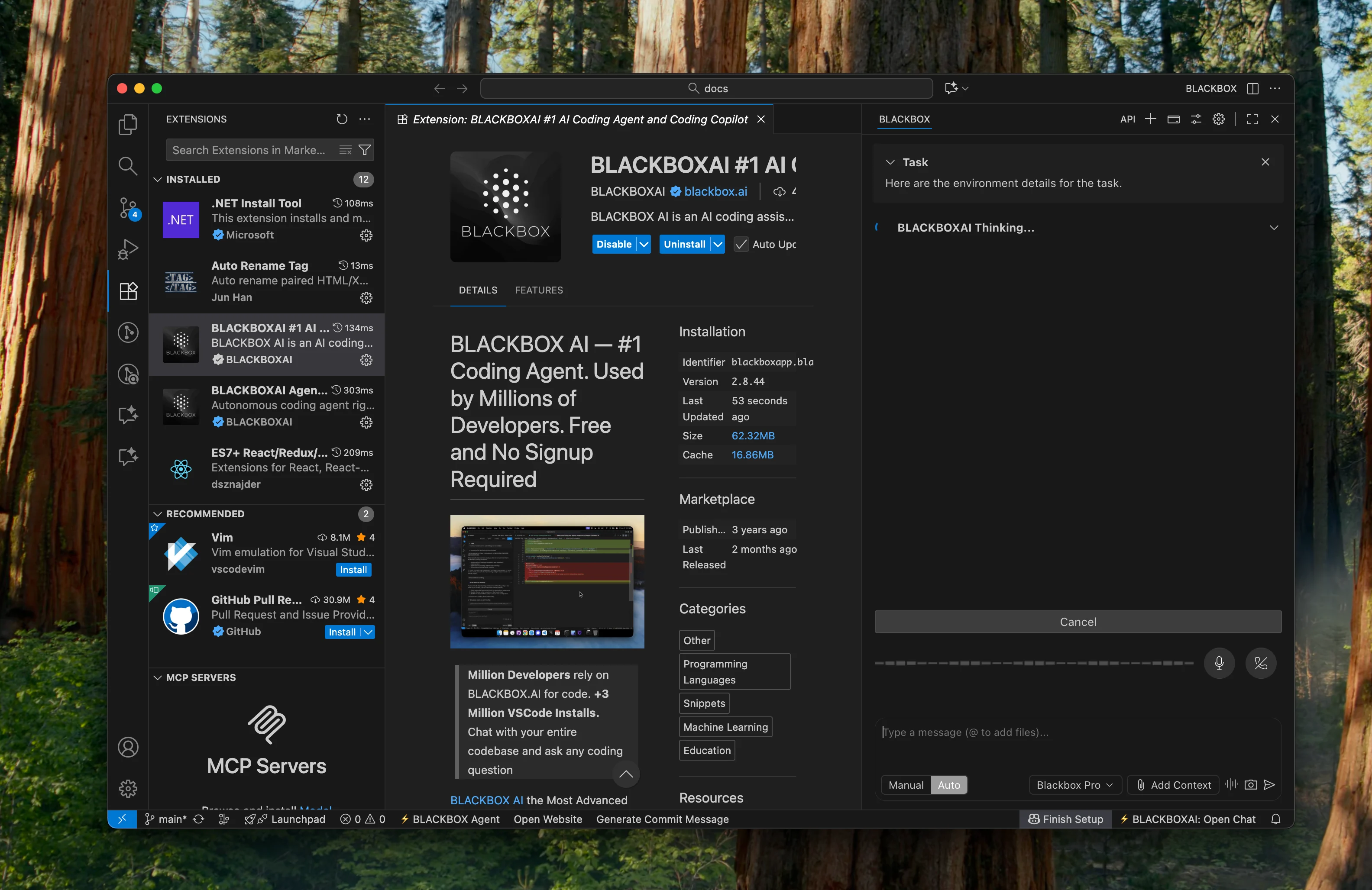
Auto Mode
Tired of manually giving permission for every command? Auto mode streamlines your workflow by automatically executing approved actions. This powerful feature reduces interruptions and keeps you in the flow, but remember to use it responsibly.
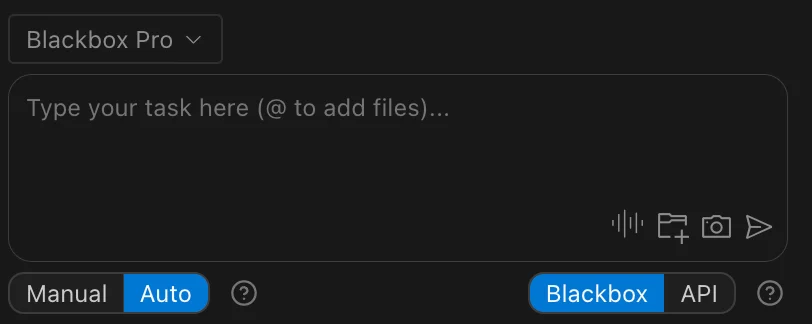
Tool Configuration
Use BLACKBOX AI VS Code Agent Tools featue to enable additional functionality and power to your BLACKBOX AI agent to perform various development-related tasks.
For example, the browser tool allows the agent to launch and control a browser to navigate websites, interact with web elements, capture screenshots, and test web applications in real-time.
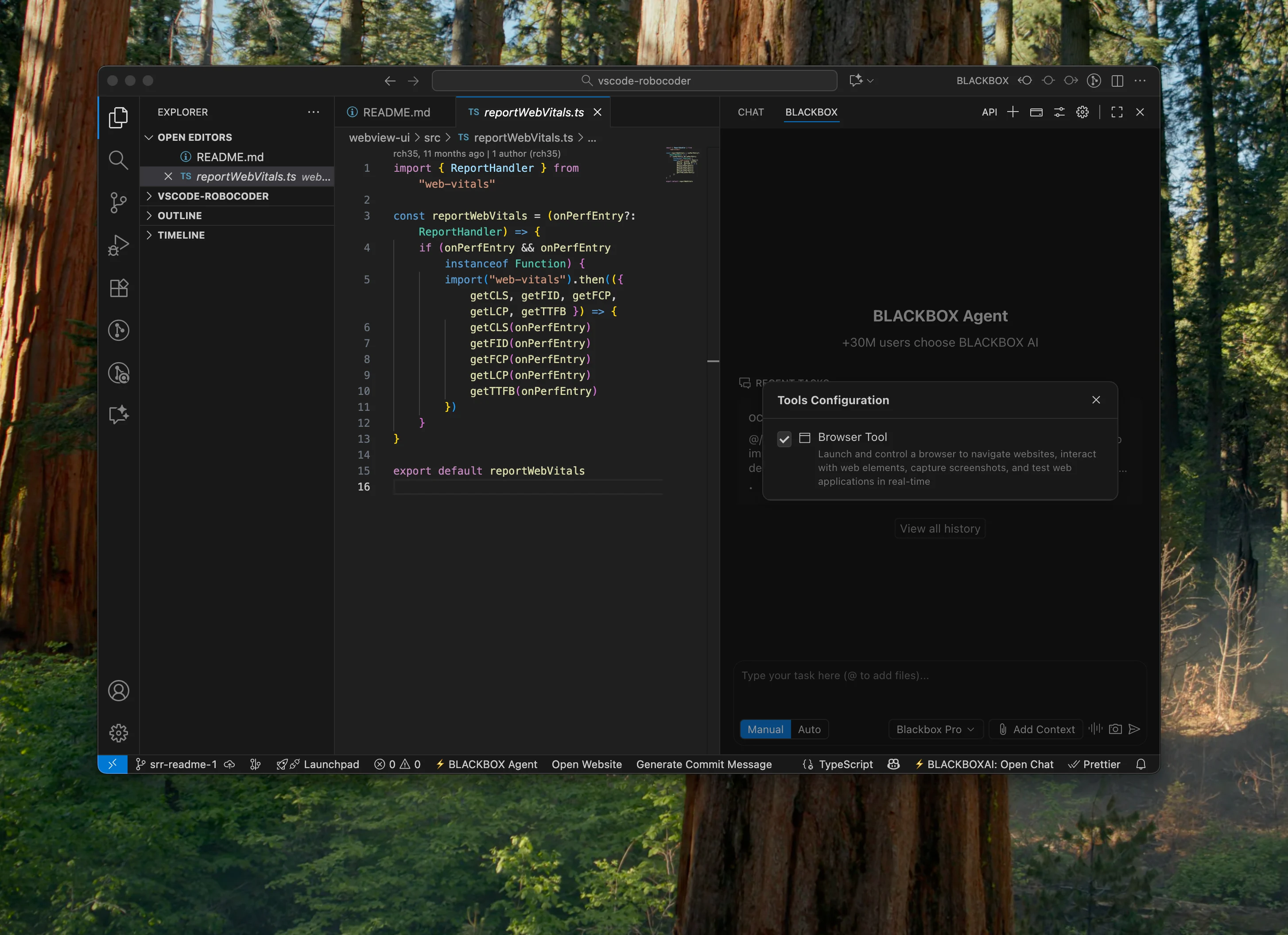
Background CLI tasks

Background CLI tasks facilitate running multiple tasks in parallel. To run a background task, Use /cli command. The task will be delegated to Blackbox CLI in a VS Code Terminal Editor tab, with output streamed live in that terminal.
When you type /cli, you’ll also see a dropdown next to the chat input to choose where the command should run:
- Workspace (runs in your current workspace folder)
- Worktree (creates a fresh
worktree-<timestamp>git worktree and runs inside it for isolation).
It is recommended to run the sessions in the worktree mode to avoid conflict to other parallel sessions. Follow the merging steps below to merge back the changes to your main working branch.
If the blackbox CLI isn’t available, the extension will prompt you to install it. On approval, it runs the platform-specific installer, then runs blackbox configure before executing your /cli instruction. Note that blackbox configure can be interactive and will run in the terminal.
Tip: /cli runs are executed in the terminal and are not the same as an agent task; you can spawn multiple sessions, while you work on the main task in the extension. If you select Worktree, any changes are isolated to that worktree folder.
Merging changes from Worktree sessions
- Using GIT:
When you choose Worktree, any edits are made inside worktree-<timestamp> rather than your main workspace.
To merge those changes back, treat the worktree like a normal git branch: review changes (git status, git diff), commit them in the worktree, then switch to your main branch and merge (or open a PR). If you don’t want the changes, you can simply delete the worktree folder after you’re done.
- Using VSCODE:
When using the Worktree mode, your changes are isolated to a new directory and branch. To manage and merge these in VS Code:
- Open the Worktree: The new
worktree-<timestamp>folder will appear in your VS Code Explorer. You can click into it to review edits or open a new VS Code window specifically for that folder. - Source Control: Open the Source Control view (
Ctrl+Shift+G). VS Code will recognize the worktree as a separate repository/branch. You can stage, diff, and commit changes here just like in your main workspace. - Merging: Once you have committed your changes in the worktree, you can switch back to your main branch in the Source Control view and use the "Git: Merge Branch..." command from the Command Palette (
Ctrl+Shift+P) to bring the worktree's changes into your main branch. - Cleanup: After merging, you can safely delete the worktree folder from your file system.
Blackbox Skills
Blackbox Skills are reusable, discoverable capabilities that package expert workflows into a single place. Each Skill is defined by a SKILL.md with clear instructions and optional supporting files (scripts, templates, examples), and the agent autonomously decides when to use a Skill based on your request and the Skill description.
This lets you extend the agent for your specific workflows, share expertise via git, and avoid repetitive prompting.
You can create project Skills that live in your repo (in .blackbox/skills/). By composing multiple Skills together, BLACKBOX agents can handle more complex, end‑to‑end tasks with minimal manual guidance.
Blackbox agents autonomously decide when to use the skills based on your request and the Skill’s description in SKILL.md
Create a Skill
Skills are stored as directories containing a SKILL.md file. Store them in .blackbox/skills/ within your project:
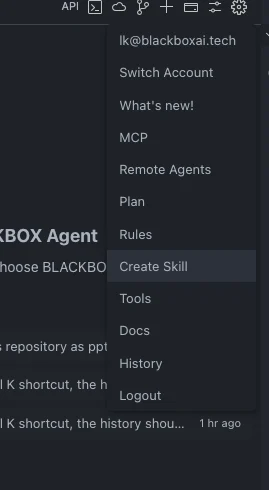
mkdir -p .blackbox/skills/my-skill-nameAlternatively, It can also be created from the extension by selecting create skill from the dropdown as shown below:
Write SKILL.md
Create a SKILL.md file with YAML frontmatter and Markdown content:
---
name: your-skill-name
description: Brief description of what this Skill does and when to use it
---

# Your Skill Name

## Instructions
Provide clear, step-by-step guidance for Blackbox agents.

## Examples
Show concrete examples of using this Skill.
Field requirements:
- name: Must use lowercase letters, numbers, and hyphens only (max 64 characters)
- description: Brief description of what the Skill does and when to use it (max 1024 characters)
The description field is critical for Blackbox to discover when to use your Skill. It should include both what the Skill does and when BLACKBOX should use it.
Development Superpowers
The BLACKBOX AI VS Code extension is a powerful AI development tool designed to boost your productivity 10X. With these advanced features and many more, you have access to cutting-edge AI capabilities that enhance every aspect of your development workflow. From initial project setup to final deployment, the AI agent is your comprehensive coding companion that helps you write better code faster.