Key features
Discover the powerful capabilities that make BLACKBOX CLI the ultimate AI-powered terminal assistant for developers.
Project Development
Complete project lifecycle management from initialization to deployment.
- Auto Setup: Initialize projects with dependencies and proper structure
- Code Generation: Create functions, APIs, and features from descriptions
- Architecture Planning: Get recommendations for scalable project structures
> create a React TypeScript project with routing and authentication
> generate a REST API for a blog with CRUD operations
Debugging & Testing
Intelligent error detection and automated testing capabilities.
- Smart Debugging: Identify and fix compilation and runtime errors
- Auto Testing: Generate unit tests and integration tests
- Security Analysis: Detect vulnerabilities and performance issues
> find and fix the authentication bug in my login system
> generate comprehensive unit tests for my user service
Build & Deployment
Automated workflows for building and deploying applications.
- Build Automation: Handle compilation, bundling, and optimization
- Dependency Management: Install and manage project dependencies
- CI/CD Setup: Configure deployment pipelines and environments
> set up a production build pipeline with optimization
> configure Docker containers for my application
Multi-Language Support
Comprehensive support for modern development stacks.
Frontend: React, Vue.js, Angular, TypeScript, Tailwind CSS
Backend: Node.js, Python, Java, Go, Express.js, FastAPI
Database: PostgreSQL, MongoDB, Redis, Prisma, TypeORM
DevOps: Docker, AWS, GCP, Git, Jest, Webpack
> convert this JavaScript function to TypeScript with proper types
> create a Python FastAPI equivalent of this Express.js route
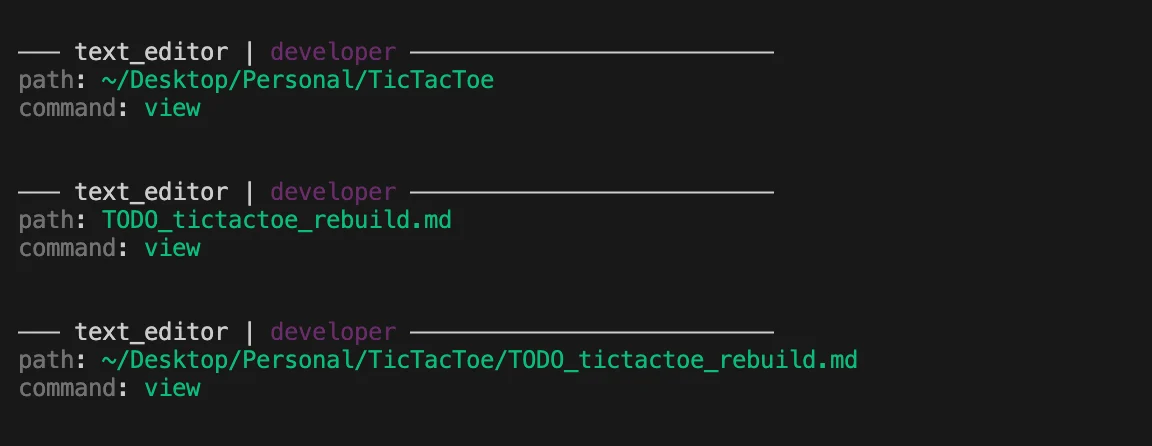
Intelligent File Management
Create, edit, and organize files through natural language commands.
- Smart Creation: Generate project structures with simple descriptions
- Bulk Operations: Modify multiple files simultaneously with consistent formatting
- Intelligent Search: Find files by content, functionality, or patterns
> organize all my utility functions into separate modules
> create a components folder with Header, Footer, and Sidebar files
Natural Language Processing
Conversational coding with context-aware AI assistance.
- Plain English: Describe what you want in natural language
- Context Awareness: Maintains understanding of your project
- Learning: Adapts to your coding style and preferences
> explain how this authentication middleware works
> what's the best way to implement user roles in this system?
Performance Optimization
Intelligent analysis and optimization recommendations.
- Bottleneck Detection: Identify performance issues automatically
- Code Optimization: Suggest algorithmic and structural improvements
- Resource Management: Optimize memory usage and loading times
> analyze my application for performance bottlenecks
> reduce the bundle size of my React application
Web Search & Real-time Information
Access up-to-date information from the web directly in your terminal with built-in web search capabilities.
- Real-time Data: Get current information on any topic
- Source Citations: Receive URLs and references for all information
- News & Updates: Stay informed about latest developments (including X/Twitter)
- Research Assistant: Quick fact-checking and information gathering
- No Configuration Needed: Web search is automatically available
> what are the latest AI developments from OpenAI?
> current best practices for React 19
> latest security vulnerabilities in Node.js
> what's the current price of Bitcoin?
> latest tweets about AI from tech leaders
How It Works:
BLACKBOX CLI has built-in web search capabilities that automatically activate when your query requires current information. Simply ask your question naturally, and the CLI will:
- Automatically detect when web search is needed
- Search relevant sources including the web and X (Twitter)
- Synthesize information from multiple sources
- Provide citations and references
- Deliver current, accurate responses
No model selection required - web search is intelligently integrated into the CLI experience.
Web search is particularly useful for queries requiring current information, market data, news updates, social media trends, or recent technical documentation. The feature includes access to X (Twitter) for real-time social insights. It is currently available only for BLACKBOXAI configuration.
Multi-Agent Execution
Run multiple AI agents in parallel on the same task, with each agent working on a separate Git branch. Compare different implementations and choose the best solution.
- Parallel Processing: Multiple agents work simultaneously on separate branches
- Quality Comparison: Compare implementations from Claude, Blackbox, and Codex
- Independent Execution: Each agent works independently without interference
- Branch-Based Workflow: Automatic Git branch creation for each agent
- Flexible Selection: Choose the best implementation after reviewing all options
# Start a blackbox session
blackbox

# Run multi-agent execution
> /multi-agent create a REST API with authentication and CRUD operations
> /multi-agent build a responsive dashboard with real-time data
> /multi-agent implement a payment processing system with Stripe
How It Works:
The /multi-agent command leverages multiple AI models to provide diverse solutions:
- Branch Creation: Automatically creates separate Git branches for each agent
- Parallel Execution: Agents work simultaneously on their respective branches
- Independent Implementation: Each agent provides its own unique approach
- Review & Compare: Examine all implementations side by side
- Select Best Solution: Choose and merge the implementation that best fits your needs
Available Agents (with BLACKBOX API key):
- Blackbox: BLACKBOX AI models for optimized code generation
- Claude: Anthropic's Claude models for complex reasoning
- Codex: OpenAI's GPT-5.1 Codex for advanced code generation
- Gemini: Google's Gemini-3-pro for advanced reasoning
- Goose: Full access to all Blackbox CLI models
- OpenCode: Complete model support for code generation
- Qwen: All Blackbox CLI models for diverse approaches
All agents are accessible with a single BLACKBOX API key - no additional configuration needed.
# Example workflow
> /multi-agent build a todo app with React and TypeScript

# BLACKBOX CLI creates branches for each configured agent:
# - multi-agent-blackbox-<timestamp>
# - multi-agent-claude-<timestamp>
# - multi-agent-codex-<timestamp>
# - multi-agent-gemini-<timestamp>
# - multi-agent-goose-<timestamp>
# - multi-agent-opencode-<timestamp>
# - multi-agent-qwen-<timestamp>

# Each agent implements the todo app independently
# Review branches and merge your preferred implementation
Benefits:
- Multiple Perspectives: See different approaches to solving the same problem
- Quality Assurance: Compare implementations to identify the most robust solution
- Learning Opportunity: Understand different coding patterns and best practices
- Risk Mitigation: Multiple implementations help catch potential issues early
- Optimal Results: Choose the implementation that best matches your requirements
Best Use Cases:
- Complex features requiring careful consideration
- Security-critical implementations
- Performance-sensitive code
- Learning different AI coding approaches
- Projects where multiple solutions need evaluation
The /multi-agent command requires an active Git repository. Make sure you're in a Git-initialized project directory before using this feature. Configure your OpenAI API key via blackbox configure to enable Codex in multi-agent mode.